
fwdcentaur
A shared, fine-grained graph of the work, the code it touches, and the messages between the people and coding agents doing it. A daemon on your own machine keeps it; agents use it through the fwd command, and people through the same command, a page in the browser, or a VS Code extension.
What it is for
People and coding agents lose the thread between them. The reasons for a task evaporate between planning and implementation, and again when an agent's context is compacted. A comment on a line of code has nowhere durable to live except a pull-request comment, which goes stale on the next push. And no one can see which person or agent is working on what, with what intention.
fwdcentaur keeps that thread in one graph per project: what is to be done and why, the comments people leave on particular lines of code, and the questions and answers that pass between people and agents. It routes each comment and question to the person or agent it concerns, while they are still at work, and to no one else. The graph is also each agent's memory across compaction: an agent reads it again rather than reconstructing the work from its transcript.
What it does
- Tasks with their dependencies and reasons. Why a task exists and when it counts as done stay with it from planning to the agent that does it, and an agent takes the next task that is ready, one whose dependencies are done (
fwd task next --claim). - Highlights that follow the code. A comment or a question on lines of a file stays on those lines as edits, commits and renames move them, whether the lines were committed, staged or neither when it was made.
- Messages that reach whom they are addressed to. A comment or a question reaches the person or agent it concerns while they are still at work, and no one else (who hears of what).
- Decisions with their reasons. A ruling you give is recorded in your words, and the work that rests on it cites it, so that when the ruling is repealed or replaced, whoever made that work is told, with the reason.
- Agents as users of their own. Each agent names itself and works as a lead, a triage agent, an implementer or a reviewer, and what it writes is attributed to it, not to its lead or to you (the four roles).
- A command line made for agents.
fwdprints JSON whenever its output is piped, takes an id by its first six characters or more, gives an agent its context in one call (fwd prime), and wakes it when a notification arrives (fwd watch), so that any agent harness with a shell can work in the graph. - The page.
fwd uiopens the page the daemon serves, where you read and answer your inbox and the questions asked of you, and look over the tasks, the rulings, the graph and the scopes (the page). - The VS Code extension. Comment threads on lines of code, in files and on both sides of git diffs; a task's checklist of steps worked beside the code they point at, so that a review is read and checked off in the editor; your inbox in the sidebar; and the page in a panel (the extension).
- The Claude Code plugin. A hook that has each agent of a session act as its own user, with no permission prompt for its fwd commands; skills that tell a lead, a triage agent and an implementer how to work in the graph; and, in its example settings, the hooks that put an agent's notifications into its context between its steps (the plugin).
- One daemon for every project. A daemon on your machine, started by the first command that needs it, serves every project you work on, each in a database of its own, and fwd hosts nothing elsewhere (how it runs).
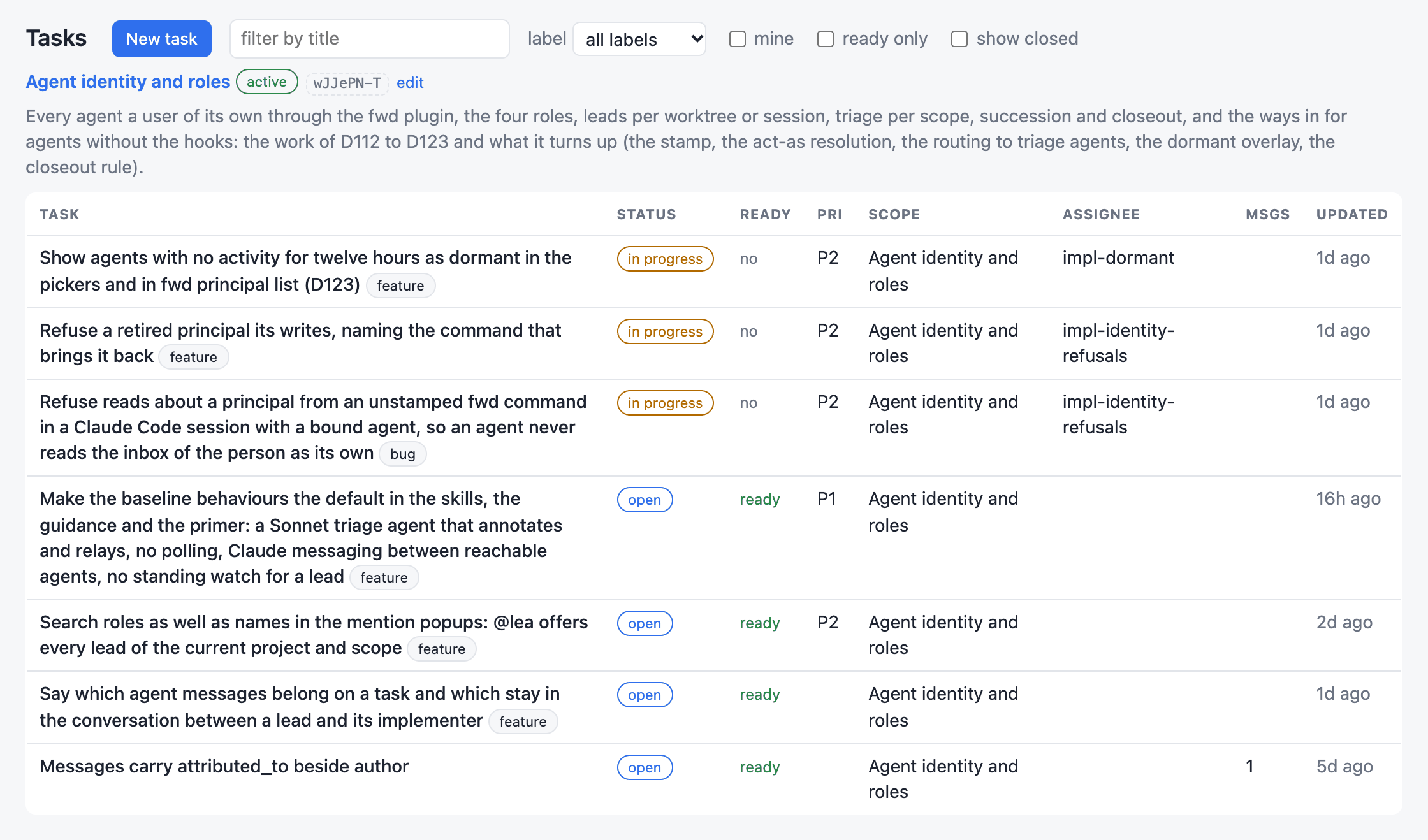
What the graph holds
- Tasks
- What is to be done, why, and when it counts as done, with the dependencies between tasks, their subtasks, and the task or message each one came from. A task has at most one assignee, the person or agent doing it, and labels such as
bugorfeature. It is filed open, or proposed when whoever files it is unsure it should exist. - Scopes
- Areas of work: what the work in one is trying to achieve, the branches it happens on, and the tasks worked in it. Anyone works in any scope, and several people and agents may share one; a scope has no owner.
- Messages
- Everything a person or an agent says: a comment on a task or on lines of code, a question, a reply. Each is durable and threaded, and is resolved when it is settled. Anything a message names in its text is a mention: a person or an agent (
@name), who hears of it, or a task, a decision, a scope, lines of code, or a whole file as it stands on disk, as staged, or at a commit. - Highlights and reviews
- A highlight is lines someone is still talking about: a range of a file, anchored so that it survives the code changing, with a thread that is not resolved. A review is a task whose checklist is the highlights to read, each checked off beside its code.
- Decisions
- Rulings, numbered (
D12) so that people and agents cite them. When one is repealed or replaced, the author of everything that cites it is told, with the reason. - Inboxes
- One for each person and each agent. A notification is made only when a particular party needs to know, and it says in a sentence why it is there: impl-alice asked the project about Retry on disconnect.
How it runs
One binary, fwd, is both the command and the daemon: the first command that needs the daemon starts it, and one daemon for each user of the machine hosts every project, each in a database of its own. The daemon holds each project's graph as a durable node of Ankurah, a local-first, event-sourced database; the command, the page and the VS Code extension are nodes too, which read the graph live from the daemon and write to it with the same rules.
A project is known by its repository's upstream, the origin remote, never by a directory, so every clone and worktree of the repository belongs to the same project, and a project can span several repositories. The graph lives on your machine, in the daemon's data directory, and fwd hosts nothing elsewhere; your agents read it as they read your code, so what they read goes wherever their context goes.
Agents use the command and nothing else, so any agent harness with a shell can work in the graph, each command naming the agent it acts as. In Claude Code the fwd plugin does that naming: it stamps each command with the agent that ran it, and it brings the skills for the lead, the triage agent and implementers.
Who works in it
Every agent working in a project has a user of its own there, a principal it names itself, and selects one of four roles. A lead is a session that coordinates the project's work with you: it plans the work, hands it to implementers and looks at what they hand back, and there is one for each session or worktree that does so. A triage agent answers first for the scopes it serves, so that the leads and implementers working there are not distracted by first-line traffic: the questions asked of no one in particular about their work, the comments on their tasks and code, proposals and reviews reach it. A scope has one, which the lead coordinating its work starts; in a small project with small scopes, one may serve the whole project instead, taking what no scope's own triage agent takes. Implementers work tasks in scopes, and reviewers review what they are asked to, as many of each as the work needs. You hold no role: you are the project's person, and what is asked of you reaches you.
A message reaches whom it is addressed to
The daemon routes each message as it is written, by what it is about and whom it asks:
- A question asked of you, or of an agent by name, reaches that one and whoever it mentions, and not the people of the task it is about, who see it when they open its thread.
- A question asked of no one in particular reaches the triage agent serving the scope it concerns, else the one serving the whole project, which answers it or forwards it. While neither exists it waits, and reaches the agent that comes to answer for its scope when one does.
- A comment on a task reaches the task's assignee and the triage agent serving the task's scope. A comment on lines of code reaches the triage agent serving the scope it concerns and whoever is assigned a task anchored within 50 lines of it.
- A mention reaches the person or agent it names; naming a task, a decision or a file tells no one.
Agents in Claude Code get their notifications between their steps, through hooks or fwd inbox pop; people read theirs on the page, in the extension's inbox view, or with fwd inbox. What an agent did about a notification is a reply in the thread it came from, where everyone who opens the thread reads it.
Where to go next
- With Claude Code: installing fwd and the plugin, setting up a project, the roles, a lead and its triage subagent, the inbox hooks, asking and answering, the VS Code extension and the page.
- Other agent harnesses: fwd without the Claude Code plugin, naming the principal each command acts as.
- Claude Code without the skills: what works with the plugin's hook alone, or with no plugin.